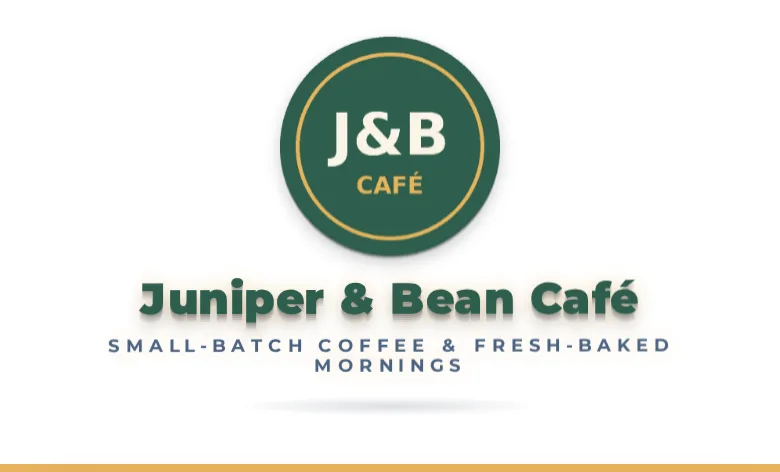
Animated 3D logo and tagline
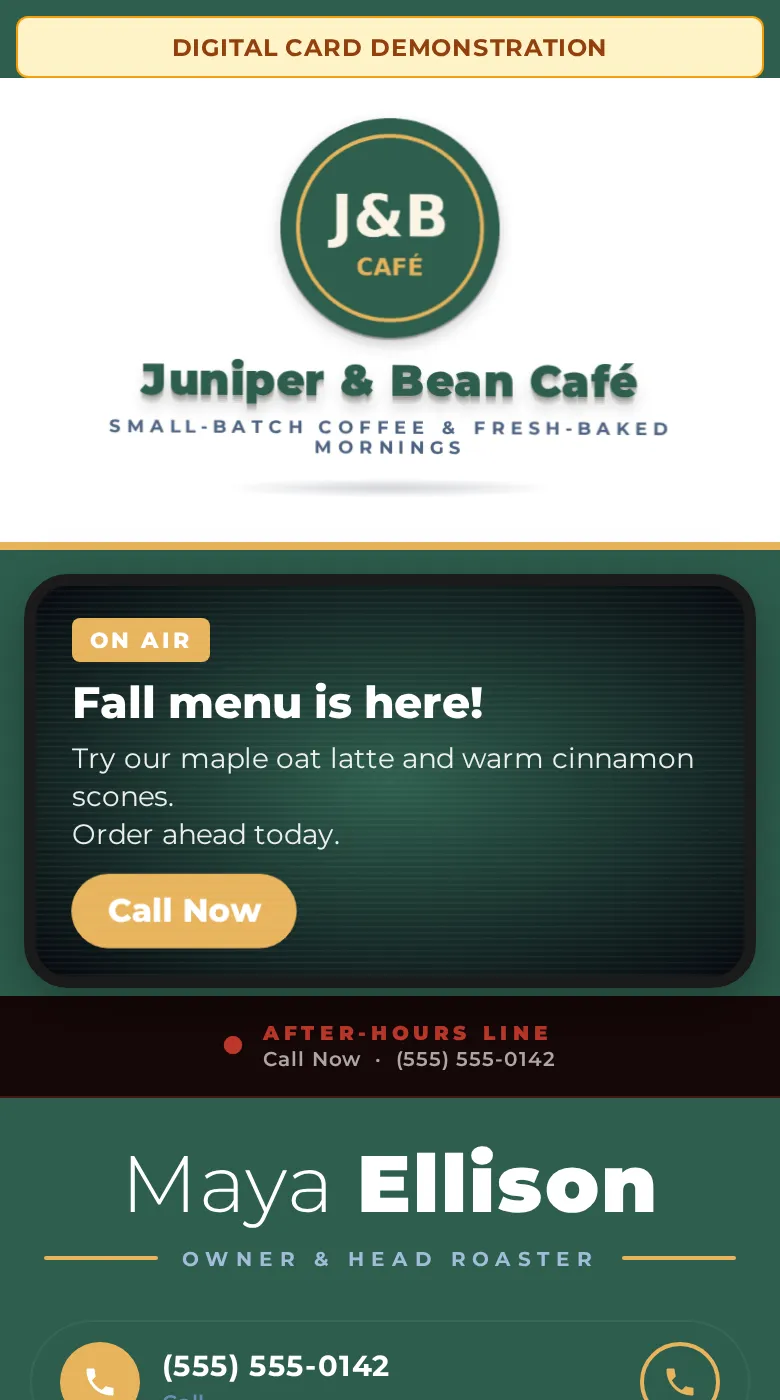
Your logo animates in with depth and a light sweep, and your tagline words animate in under it. The Static Card shows your logo and tagline still.
Motion UpgradeMake a sharp first impression before you show up. A digital business card for any business: your logo and tagline, one-tap contact buttons, a QR code and a clean link preview when you text or email it. Add the Motion Upgrade for an animated 3D logo, animated tagline words and a silent motion promo banner. Fully automated, from your answers to your live card.
Made for any kind of business: salons, cafes, dental offices, shops, contractors and more.
$9.99/mo + $20 one-time setup (static card). Add the Motion Upgrade (+$10/month, $19.99/month total) and the $20 setup fee is waived. Terms and conditions apply.
First Call System (Core and Pro) customers get the Motion Upgrade free.

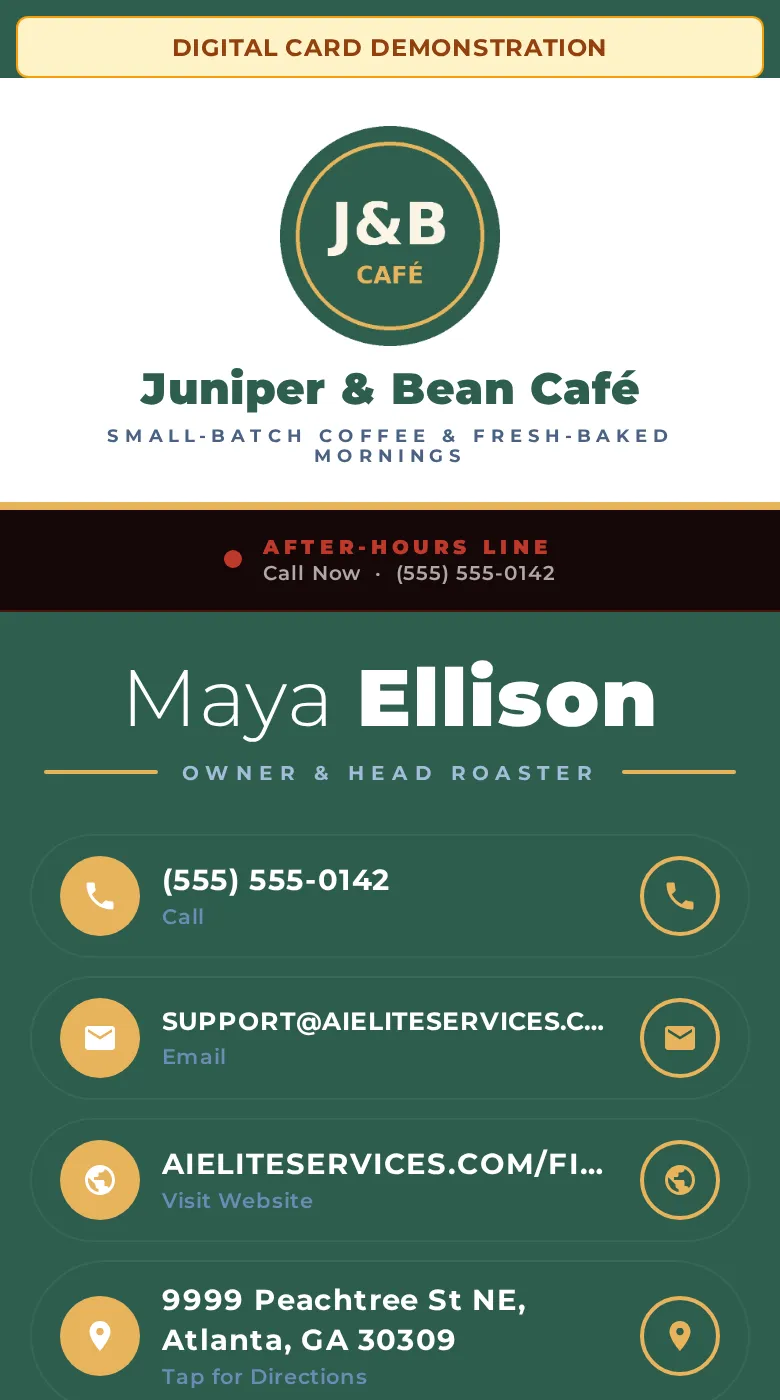
This is a working First Impressions Card with the Motion Upgrade: an animated 3D logo header and a silent motion promo banner, plus one-tap contact buttons and a QR code. Scroll and tap inside the phone to try it.
The demo uses a fictional café.
Every example below is taken from our live demo card for a fictional café.
Your logo animates in with depth and a light sweep, and your tagline words animate in under it. The Static Card shows your logo and tagline still.
Motion Upgrade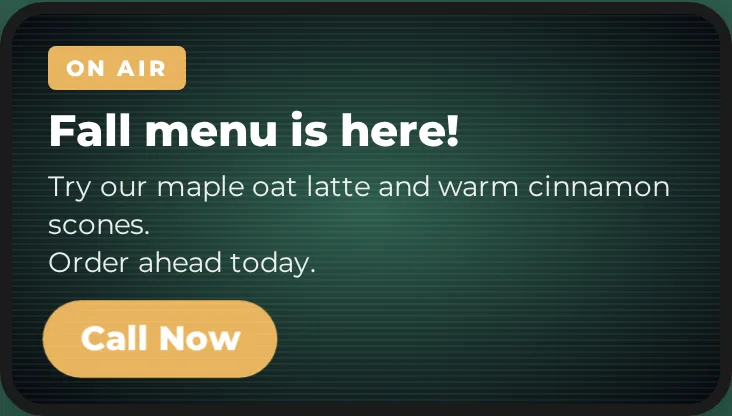
A silent motion message for your current offer, with a one-tap call button.
Motion Upgrade +$10/mo · $20 setup waived · free for First Call System Core and Pro
Customers can call or email you with one tap, right from your card.
When you list your full street address, customers tap it to open turn-by-turn directions in their maps app. If you share only a city or service area, the card shows that instead, with no directions link.

A one-tap row that opens your website.

A button that links to your Google reviews page, so happy customers can find it in one tap. The card itself doesn’t show any review text.

Tap-to-open icons for your Facebook and Instagram pages.
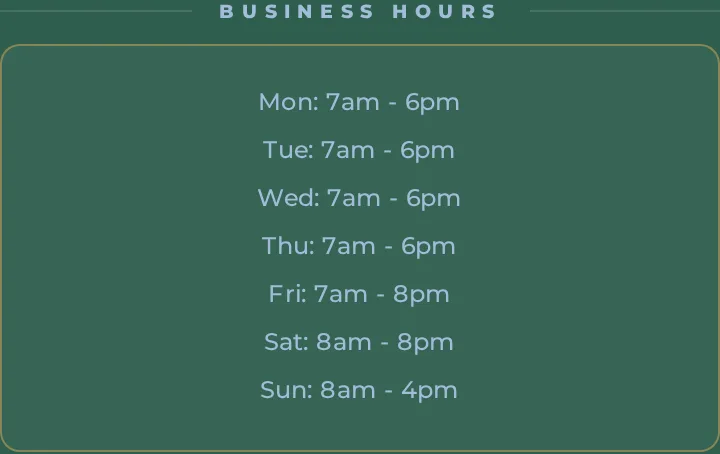
A clean Business Hours block, so customers know when you’re open before they call or visit.

If you offer after-hours or 24/7 service, a highlighted strip shows it with your own label and a one-tap call link.
A text button opens a ready-to-send message, Save Contact adds you to their phone, and Share This Card sends your link to a friend. There are no lead or contact forms on the card.
A built-in QR code lets people scan your card from your phone, counter or flyer.
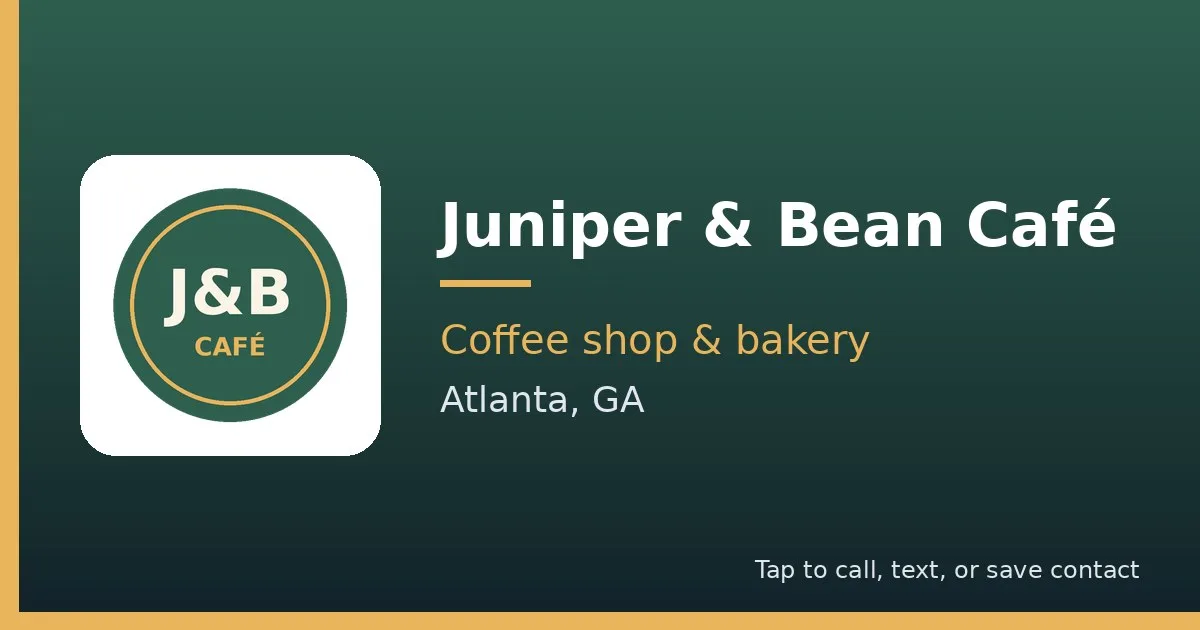
When you text or email your card link, it shows a branded preview image instead of a bare link.
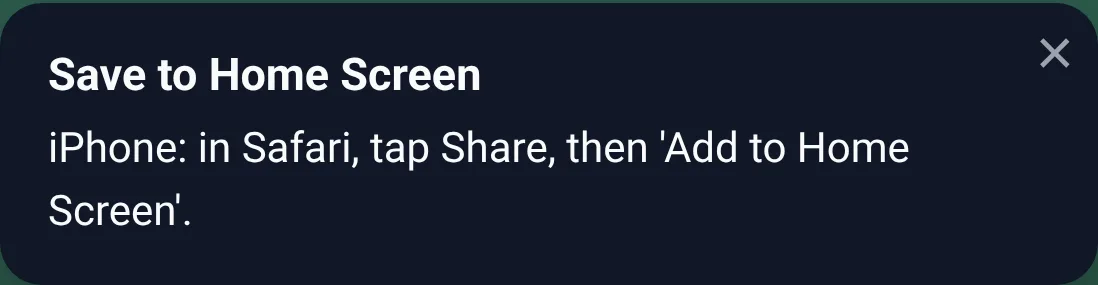
Your card opens in one tap like an app, with your logo as the icon.
iPhone: Open your card in Safari, tap the Share button, then tap “Add to Home Screen.”
Android: Open your card in Chrome, tap the three-dot menu, then tap “Add to Home screen” or “Install app.”

Buttons, accents and (with the Motion Upgrade) the banner use your own brand colors. A small “Want A Card Like This?” button at the bottom shows visitors where cards like yours come from.
The First Impressions Card has no lead or contact forms; customers reach you with the tap-to-call and Send Us a Text links. Website chat, booking and estimate forms come only with the First Call System, which is for home service contractors only, such as roofing, plumbing and HVAC. Contractors: see the First Call System.
Built automatically by AI from your order form. Terms and conditions apply.
Sample cards for fictional businesses. Yours uses your logo, colors and details.
Fill out the short form below: your logo, colors, phone, hours, links and, if you want one, your promo idea.
Your card, QR code, contact file and link preview are generated automatically from your answers.
Text it, email it, print the QR code on signs, menus or receipts, or save it to your phone's home screen.
Billed monthly. Cancel anytime.
Your card with a still logo and tagline, QR code and link preview.
$9.99/mo + $20 one-time setup (static card) · Billed monthly
Everything in Static Card, brought to life with motion.
$20 setup fee waived with the Motion Upgrade · Billed monthly
Terms and conditions apply.
No. The card and the Motion Upgrade promo banner are fully silent. There is no audio, so it is safe to open anywhere.
Yes. The card is a lightweight web page built to load quickly on slow or spotty mobile connections.
No. It opens in any phone or computer browser. Customers can save your contact with one tap or scan your QR code.
Send your updated details through the support link in your welcome email and your card is regenerated automatically.
The Static Card ($9.99/month plus a $20 setup fee) has a still logo and tagline, one-tap contact buttons, a QR code and a link preview, with no banner. The Motion Upgrade (+$10/month, $19.99/month total, setup fee waived) adds an animated 3D logo, animated tagline words and a silent motion promo banner. First Call System customers get the Motion Upgrade free.
The Static Card plan ($9.99/month) has a $20 one-time setup fee. It is waived automatically when you add the Motion Upgrade (+$10/month), so Card + Motion Upgrade is $19.99/month with $0 setup.
No. A $20 setup fee that was waived with the Motion Upgrade is never charged later, even if you downgrade to the Static Card.
To add or remove the Motion Upgrade, email support@aieliteservices.com from the email address on your First Impressions Card account, for example ‘Please add the Motion Upgrade’ or ‘Please remove the Motion Upgrade’. Our AI support assistant replies right away with a one-click confirm link sent to your account email. The link works once and expires in 24 hours.
Adding takes effect as soon as you click: $10/mo starting with your next invoice, with no setup fee and no extra charge for the rest of that billing period.
Removing takes effect at your next billing period: your card switches to static and your plan becomes $9.99/mo. A $20 setup fee that was waived with the Motion Upgrade is never charged later, even if you remove the upgrade.
The promo banner is part of the Motion Upgrade. It is a short silent motion message based on your promo idea, in your brand colors. Promo text that our content filter flags, or a blank promo, is automatically replaced with a default banner for your business type.
iPhone: Open your card in Safari, tap the Share button, then tap “Add to Home Screen.”
Android: Open your card in Chrome, tap the three-dot menu, then tap “Add to Home screen” or “Install app.”
Your logo becomes the icon, so your card opens in one tap like an app.
Yes. When you cancel, your card goes inactive. If you resubscribe later, your card is restored.
Any business that wants a modern card to share: salons, cafes, dental and medical offices, shops, contractors and more.
Yes. First Call System (Core and Pro) customers get the Motion Upgrade free: the animated 3D logo, animated tagline words and the motion promo banner.
The First Impressions Card has no lead or contact forms; customers reach you with the tap-to-call and Send Us a Text links. Website chat, booking and estimate forms come only with the First Call System, which is for home service contractors only, such as roofing, plumbing and HVAC. Contractors: see the First Call System.
Visit our Support page or email support@aieliteservices.com. Support is automated by AI. Escalated issues will be reviewed within 48 hours.
The First Call System adds website chat, online booking, instant replies and email follow-up in your own CRM, fully built for you. Available only to home service contractors in roofing, plumbing, HVAC, electrical, general contracting, restoration, painting, drywall, flooring and landscaping. Its customers get the Motion Upgrade free.
Trades: Roofing · Plumbing · HVAC · Electrical · General contracting · Restoration · Painting · Drywall · Flooring · Landscaping
Your logo becomes the icon, so your card opens in one tap like an app.
Takes about 5 minutes.
